
Download YeetDL – YouTube downloader, video downloader, audio downloader, playlist downloader, subtitle downloader
Overview
YeetDL is a mobile application designed for YouTube enthusiasts seeking a streamlined way to download videos, audio files, and entire playlists directly to their devices. The app aims to simplify content consumption by enabling users to save media for offline viewing or listening, eliminating the need for internet connectivity during playback. This functionality is particularly valuable for users with limited data plans, unreliable internet access, or those who prefer to curate personal media libraries. The target audience includes students, travelers, content creators, and casual viewers who want to preserve their favorite videos or audio tracks for later use.
Developed by the YeetDL Team, the app positions itself as a productivity tool within the Android ecosystem, offering a focused solution for media download needs. While the developer did not provide additional technical or organizational background, the app’s release date of July 15, 2021, indicates a stable presence in the market. Real-world use cases include downloading educational videos for study sessions, saving music videos for offline listening, or archiving tutorial content for reference. In the broader app ecosystem, YeetDL fills a niche gap for users seeking a dedicated, efficient downloader without relying on third-party websites or browser extensions.
Key Features & Functionality
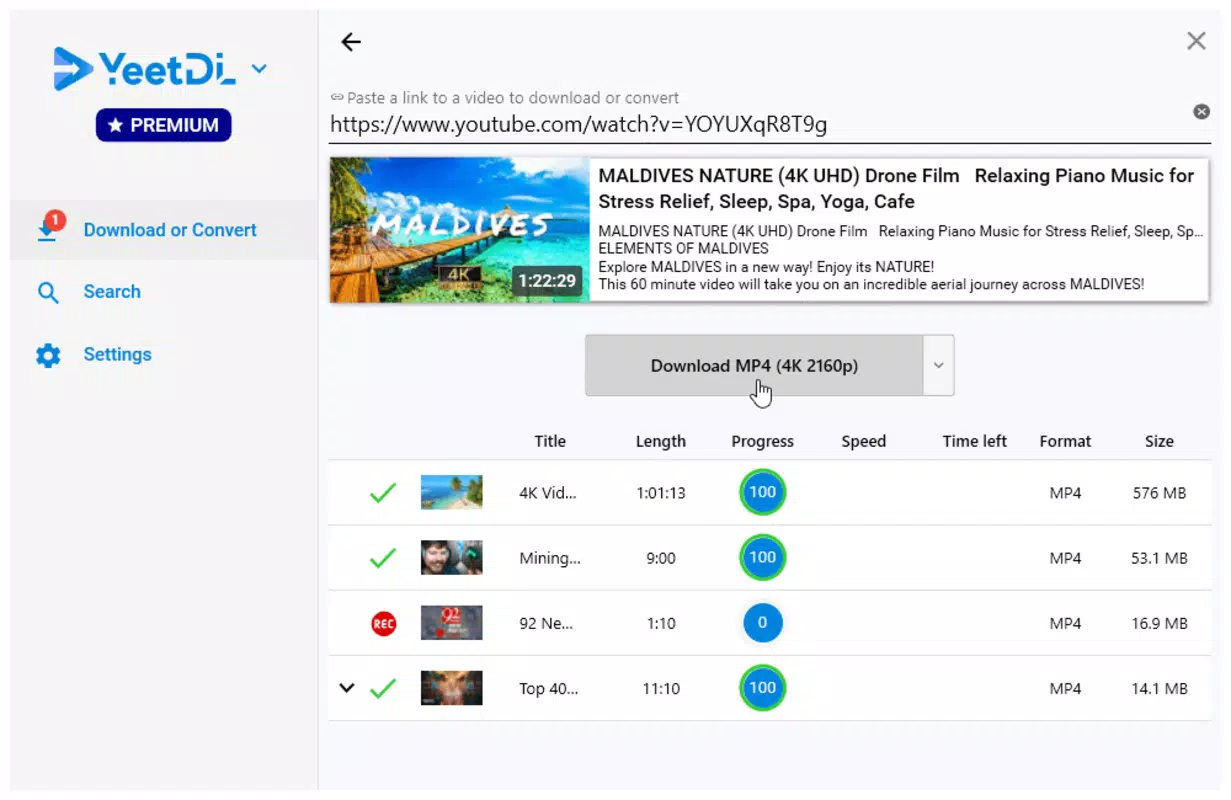
YeetDL delivers a suite of practical tools tailored to media download workflows. The core functionality centers on a simple, one-step process: users input a YouTube URL into the app and press enter, triggering an instant download queue. This streamlined approach minimizes user effort and reduces the likelihood of errors during setup. The app supports multiple output formats, allowing users to choose between high-definition video files and audio-only tracks, ensuring compatibility with a wide range of devices and media players.
- Simple Download Process: Users input a video URL and initiate the download with minimal interaction, ideal for quick access to content.
- Multiple Download Formats: Supports various file types, enabling users to select the most suitable format for their device or use case.
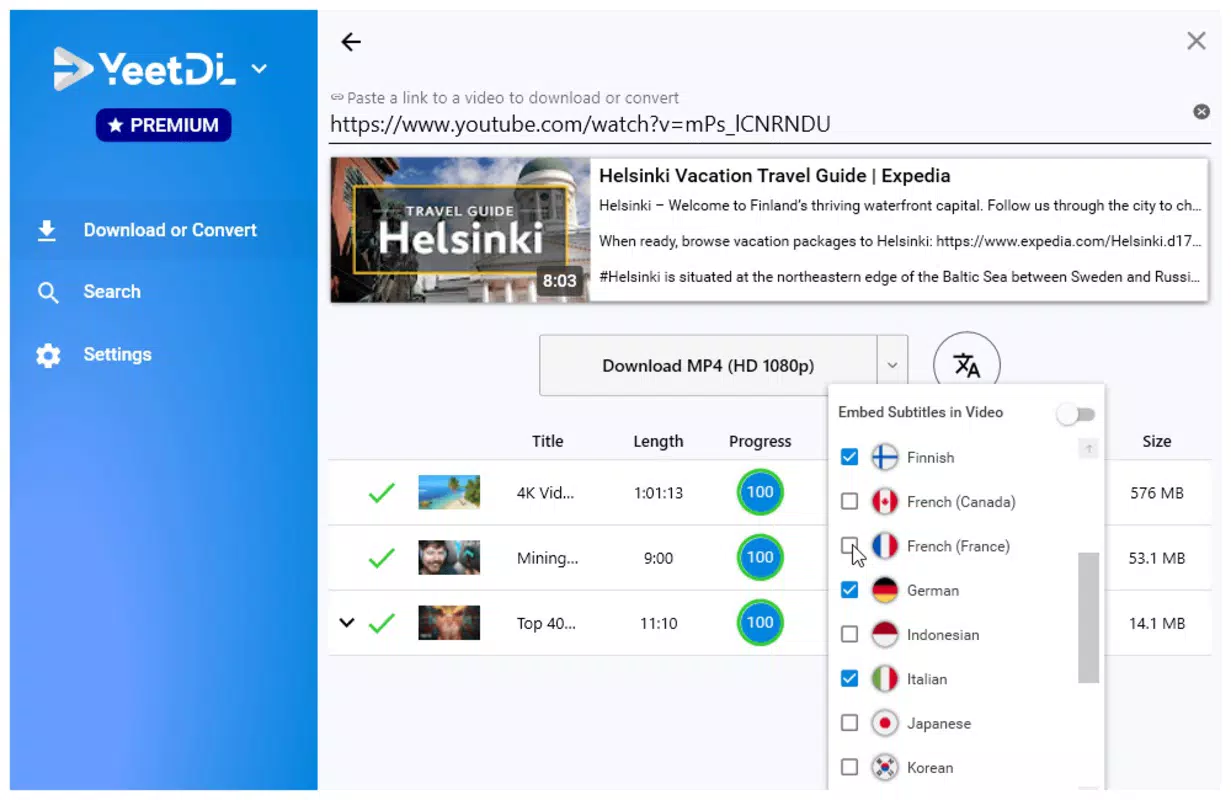
- Subtitle Download Capabilities: Offers the ability to download subtitles in multiple languages, enhancing accessibility for non-native speakers and improving comprehension.
- Playlist Download Option: Allows entire playlists to be downloaded in a single operation, saving time and effort for users with curated content collections.
- Trial and Premium Versions: Provides a trial version with core features, while the premium upgrade unlocks advanced settings and full functionality.
For example, a language learner might use the subtitle download feature to study with foreign-language videos, while a traveler could download a playlist of entertainment content before a long flight. The app’s ability to handle both individual and bulk downloads makes it adaptable to diverse user needs.
Interface, UX & Performance
The user interface of YeetDL is designed with simplicity and efficiency in mind. The layout is minimal, focusing on the essential input field for the YouTube URL and a clear action button to start the download process. Visual feedback is immediate, with progress indicators and format selection options displayed promptly after URL submission. Navigation remains straightforward, with no complex menus or hidden settings in the base version, which enhances accessibility for users of all technical skill levels.
Although the developer did not list formal performance metrics, the app’s lightweight size of 2.3 MB suggests optimized resource usage. It is expected to run smoothly on a variety of Android devices, from entry-level smartphones to high-end models. Responsiveness is likely to be consistent, given the app’s focused functionality and minimal graphical complexity. Stability appears to be a priority, as the app enables users to manage downloads without frequent crashes or freezes. However, specific details on battery consumption, background processing, or memory usage were not disclosed by the developer.
Platform Compatibility & Technical Requirements
YeetDL is available exclusively on the Android platform. The app requires Android 5.0 or higher, although the developer did not specify the exact minimum OS version. It has a file size of 2.3 MB, which is relatively small, indicating a lightweight design that does not strain device storage. The current software version is 1.2.0, and the app is priced at $3.99 for the full premium version.
Compatibility information was not fully disclosed, so users should verify their device’s operating system and available storage before installation. While the app is designed for mobile use, no details were provided about support for tablets, wearables, or other Android-based devices. The developer did not list any specific hardware requirements or permissions needed for operation.
Pros and Cons
Pros
- Simple, intuitive interface ideal for users of all experience levels.
- Supports multiple download formats including HD video and audio-only files.
- Enables bulk downloading of entire playlists, saving time and effort.
- Includes subtitle download functionality for improved accessibility.
- Offers a trial version to test core features before purchasing.
Cons
- Full functionality requires a paid premium version, limiting access to advanced features.
- Specific OS and hardware requirements were not listed.
- Developer did not provide details on background download behavior or battery impact.
- Only available on Android, with no information on iOS or other platforms.
- App size is small, but no details were shared on storage usage during or after downloads.
FAQ
Is YeetDL safe to use?
The app is designed to function as a secure tool for downloading media from YouTube. However, users should ensure they download it from official or trusted sources to avoid potential security risks.
Can I download YouTube videos without an internet connection?
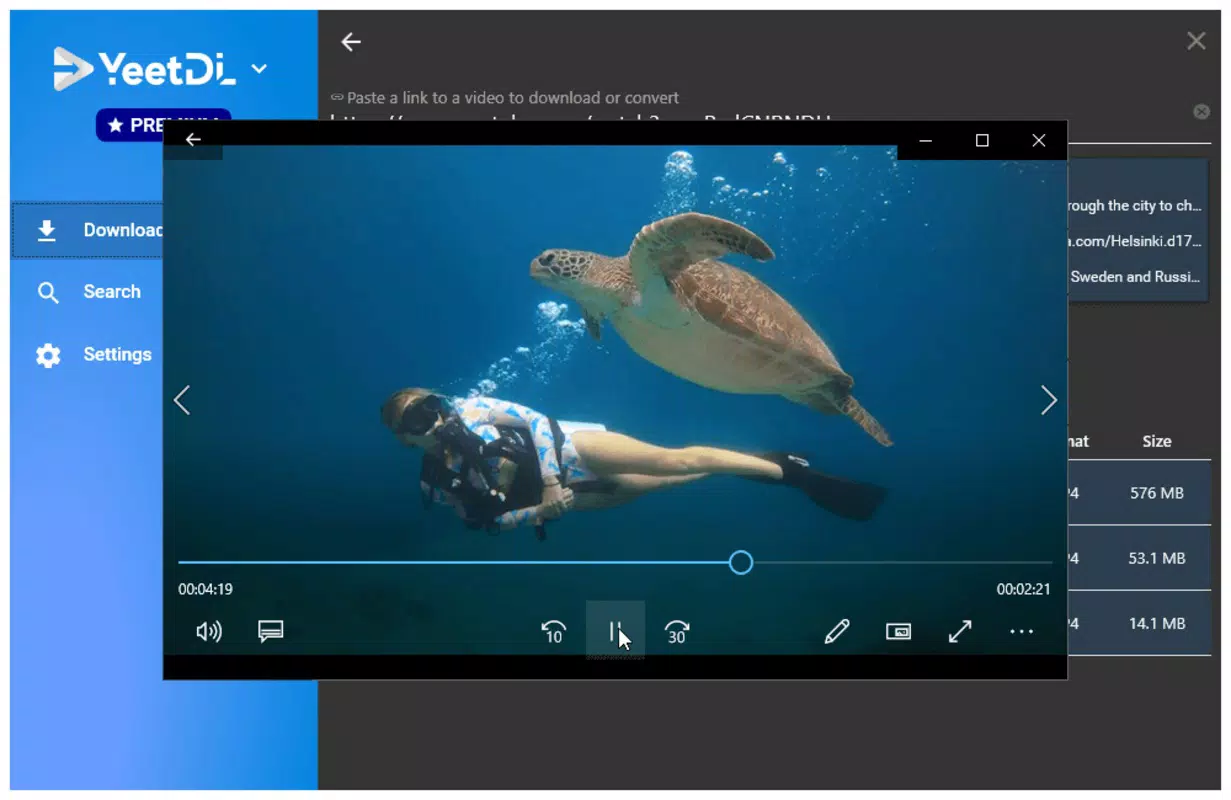
Yes, once a video is downloaded using YeetDL, it can be played offline. The app does not require an active internet connection during playback.
Does YeetDL support iOS devices?
Currently, YeetDL is only available for Android. The developer did not provide information on iOS compatibility or future platform expansions.
How do I update YeetDL to the latest version?
Updates are typically delivered through the official app store. Users should check for updates in their device’s app manager or the distribution platform where the app was installed.
Is the trial version fully functional?
The trial version includes core features such as basic video and audio downloads, but advanced settings and full functionality are restricted until the premium version is purchased.
Final Thoughts
YeetDL stands out as a focused, efficient solution for users who frequently download YouTube content for offline use. Its clean interface, support for multiple formats, and playlist download feature make it a practical tool for students, travelers, and content collectors. While the premium price point may deter some users, the trial version allows for risk-free evaluation. The inclusion of subtitle downloads adds a layer of accessibility that enhances the overall experience. For those seeking a reliable, dedicated YouTube downloader on Android, YeetDL delivers tangible value.
Download YeetDL now


